
What is EQ? The Ultimate Guide to Equalization for Music Producers
Equalization shapes the tonal balance of your music. Learn how to identify frequencies, use different filter types, and apply dynamic or linear phase EQ like a pro.
An Equalizer (EQ) is fundamentally a spectral volume control. It allows you to boost or cut the amplitude of specific frequency ranges within an audio signal. Along with compression, EQ is the most important tool in a mixing engineer's kit, responsible for creating clarity, separation, and depth in a mix. Modern digital EQs like FabFilter Pro-Q 3 have made surgical frequency manipulation incredibly visual and precise.
Understanding EQ starts with understanding the human hearing range, which spans from 20 Hz to 20,000 Hz (20 kHz). By dividing this spectrum into distinct regions, you can make targeted mixing decisions instead of blindly guessing where a problematic resonance lives.
The Frequency Spectrum Cheat Sheet
The audio spectrum is divided into seven general bands. Each has a specific role in how we perceive sound:
- Sub-Bass (20 Hz - 60 Hz): Felt more than heard. Fundamental tones of kicks and sub-bass. Too much will eat up your headroom; too little leaves the mix feeling thin.
- Bass (60 Hz - 250 Hz): Contains the body and warm fundamentals of bass instruments, guitars, and lower drum elements. Buildups here cause immediate muddiness.
- Low-Mids (250 Hz - 500 Hz): Provides warmth and fullness. However, this is the most common area for "clutter" and congestion in digital mixes.
- Midrange (500 Hz - 2 kHz): The presence and definition zone. This is where vocal intelligibility lives and where the human ear is most sensitive.
- Upper-Mids (2 kHz - 6 kHz): Attack and bite. Boosts here add clarity to vocals and transient snap to drums, but too much causes harshness and listener fatigue.
- Presence (6 kHz - 12 kHz): Sibilance and brightness. Controls the close-up clarity of vocals and acoustic instruments.
- Air (12 kHz - 20 kHz): Sparkle, openness, and expensive-sounding sheen. A gentle high-shelf boost here can lift a dull mix.
Core Filter Types and Parameters
Every EQ plugin utilizes specific filter shapes to process sound. The three primary parameters that control these shapes are Frequency (where the curve centers), Gain (how much you boost or cut in decibels), and Q factor (the width of the filter curve).
- High-Pass Filter (HPF) & Low-Pass Filter (LPF): HPF cuts all frequencies below a set cutoff point, letting high frequencies "pass". LPF does the opposite. HPF is widely used to clean up low-end mud on non-bass tracks.
- Bell (Peak): The most common shape. It creates a bell curve centered around a target frequency. Broad bells are great for musical boosts, while narrow EQs (high Q factor) are used to hunt and destroy harsh resonances.
- Shelf: Affects all frequencies above (High-Shelf) or below (Low-Shelf) a set point. Excellent for broad tonal adjustments like adding brightness or warmth.
Advanced EQ: Minimum Phase vs. Linear Phase
Standard digital EQs operate in Minimum Phase mode. To change frequency gain, they introduce a tiny amount of time delay to the signal, which causes a Phase Shift. In 90% of cases, this phase shift sounds natural and analog-like.
However, when you apply EQ to tracks that are highly phase-correlated — such as multi-mic drum setups (overhead left and right, top/bottom snare) or parallel processing paths — phase shift can cause comb filtering, canceling out frequencies and weakening your transient punch.
Linear Phase EQ solves this by shifting all frequencies in time by the same amount, keeping their phase relationship perfectly aligned. The trade-off is latency and a phenomenon called pre-ringing, which can make low-end transients sound soft or smeared. Use Linear Phase EQ for mastering, bus processing, and multi-mic setups; stick to Minimum Phase for individual instrument tracks.
Frequently asked questions
Should I EQ every track in my mix?
No. EQ should always be problem-solving or creative. If a track sounds clean, balanced, and fits perfectly in the mix without EQ, leave it alone. Applying EQ out of habit often leads to phase issues and thin-sounding mixes.
What is the "sweep-and-destroy" technique?
It is a method to find harsh resonances. Create a bell band with a very high Q factor (narrow width) and boost it by +10 dB. Slowly sweep the frequency knob across the spectrum. When you hit a frequency that sounds painful, whistling, or boxy, pull the gain down to -3 dB or -6 dB to cut it.
How do I know whether to cut or boost?
Rule of thumb: use narrow cuts (high Q) to fix problems, and use wide boosts (low Q) to add flavor. If a sound lacks brightness, try cutting the muddy low-mids first — this makes the high-end sound brighter without adding harsh gain.
Recommended Related Products
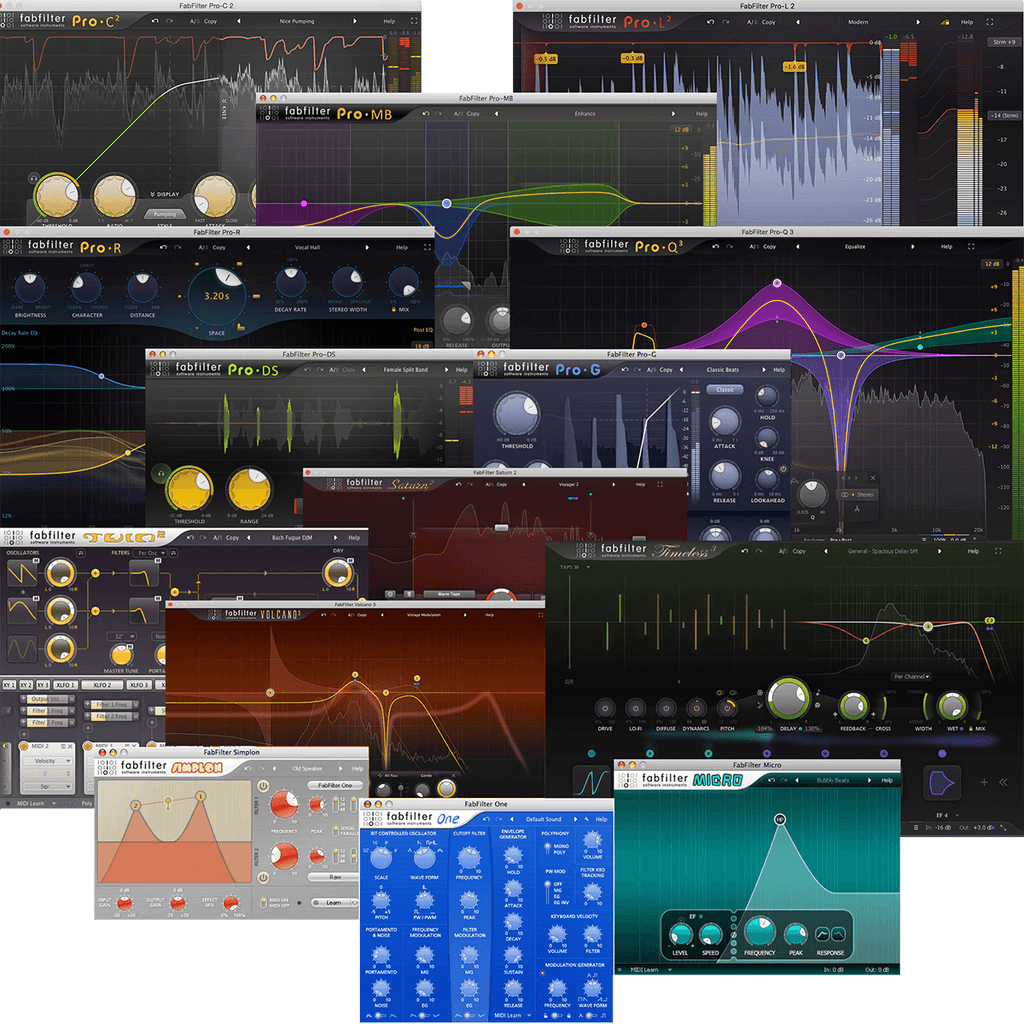
FabFilter Total Bundle 2024
Mastering-grade audio effect plugins including Pro-Q 3 and Pro-C 2.
Waves Total Bundle
The complete collection of 200+ Waves plugins for mixing, mastering, vocal processing and beyond.
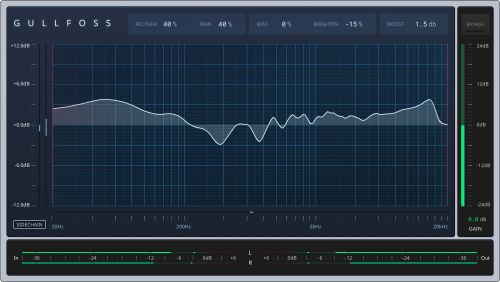
Soundtheory Gullfoss & Kraftur
Intelligent dynamic EQ and transient-shaping saturation that adapt to your audio in real time.